The set, track by track.
The crate follows the mix. Tracks nobody has identified keep their place, so you always know what came before and after.
Diggr turns a SoundCloud or YouTube DJ mix into a crate: the whole tracklist, in mix order, every track playing, with + CART on each record. Made for DJs and vinyl collectors who dig through electronic music mixes for their next record.
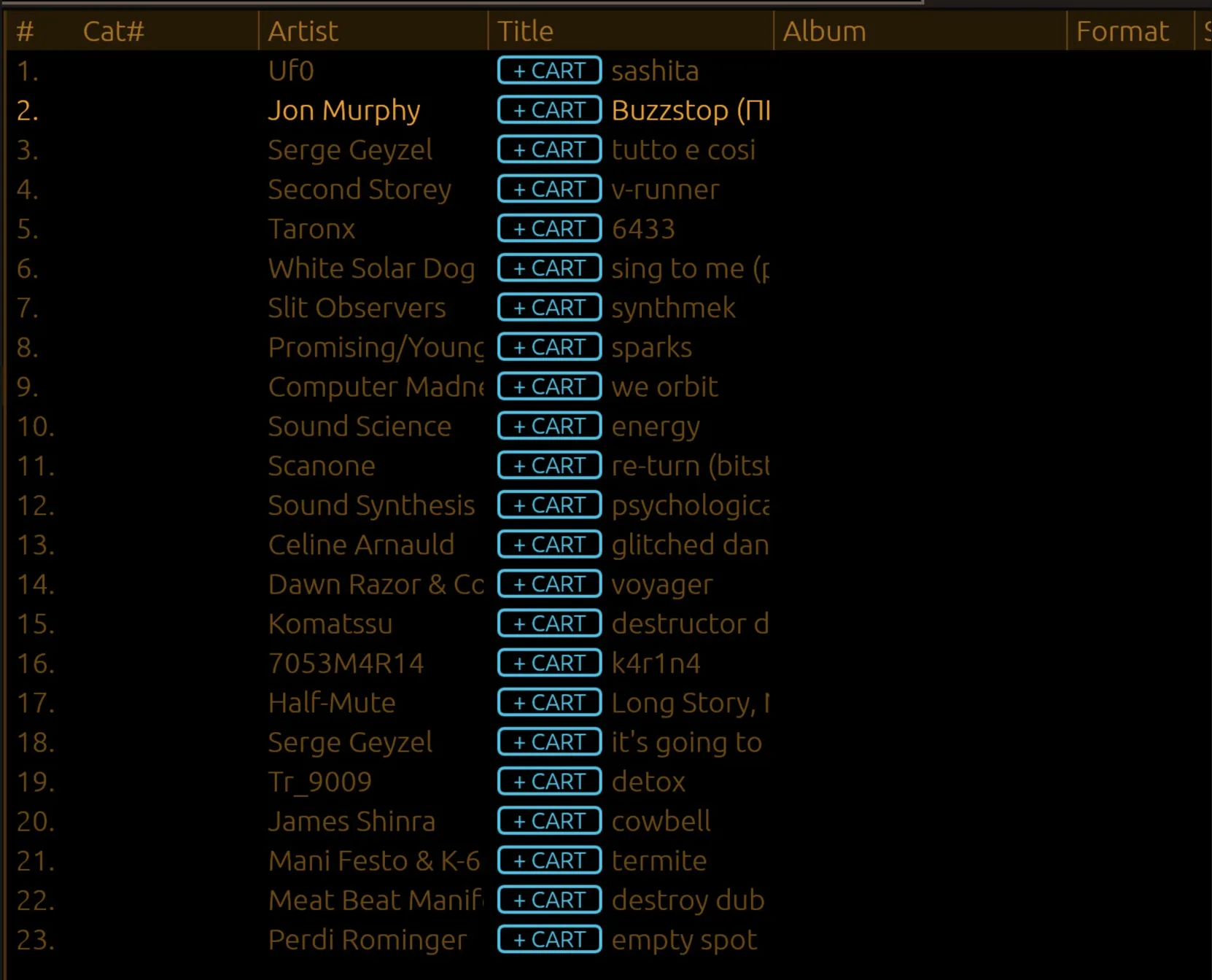
Your favourite DJ already did the digging. Diggr reads the mix's tracklist and gives you each record on its own, to hear and to buy.
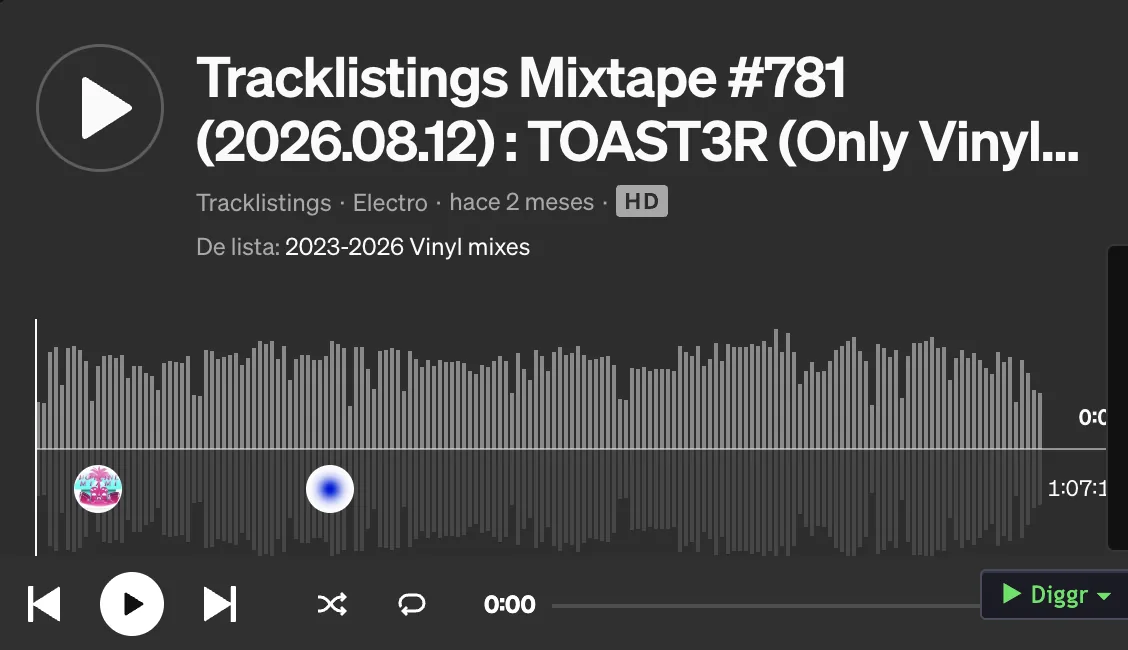
The crate follows the mix. Tracks nobody has identified keep their place, so you always know what came before and after.
Open in mix jumps back to the moment a track played in the original mix.
Links a track to its Discogs record, with its cover, pressings, Cat# and copies for sale.
One store? A click takes you there. Several, or none? Pick one, or search Discogs, Bandcamp, Juno, Bleep, Beatport and Traxsource at once.
Radio shows, label showcases, podcasts and club sets are the best crates there are. Play each record on its own, press Y to keep it on your Discogs wantlist, N to pass, and see every track's BPM before you buy it for your next DJ set.
Send the mixtape to Diggr: click ▶ Diggr on its SoundCloud or YouTube page with the Chrome extension, or copy its address and press Cmd+V. Its tracklist becomes a crate in mix order and every track plays, so you can check it's the one you heard. Then click + CART on the records you want: if Diggr knows one place to buy it, a click takes you there; if it knows several, or none, you choose a store or search Discogs, Bandcamp, Juno, Bleep, Beatport and Traxsource in one click. Find on Discogs links a track to its Discogs record. You always pay on the store.
Paste a SoundCloud or YouTube mix into Diggr, or click the extension's button on its page, and its tracklist becomes a crate in mix order. Every identified track is found and plays, unidentified ones keep their place, and Open in mix jumps back to the moment it played. + CART on each record takes you to the store that sells it, or searches Discogs, Bandcamp, Juno, Bleep, Beatport and Traxsource in one click.
Yes. Paste a YouTube mix the same way as a SoundCloud one, or click the extension's ▶ Diggr button on its page, and its tracklist becomes a crate in mix order.
They keep their place in the crate, so the tracklist stays in mix order, and Open in mix takes you to the moment they play in the mix so you can listen again.
No. Copy the mix's address and press Cmd+V in Diggr. The free extension adds a ▶ Diggr button on the mix's page, and fills your Juno and Bleep baskets from the player. It's free on the Chrome Web Store.
Yes, Diggr is free. Download it for Mac, Windows or Linux at diggr.es.